
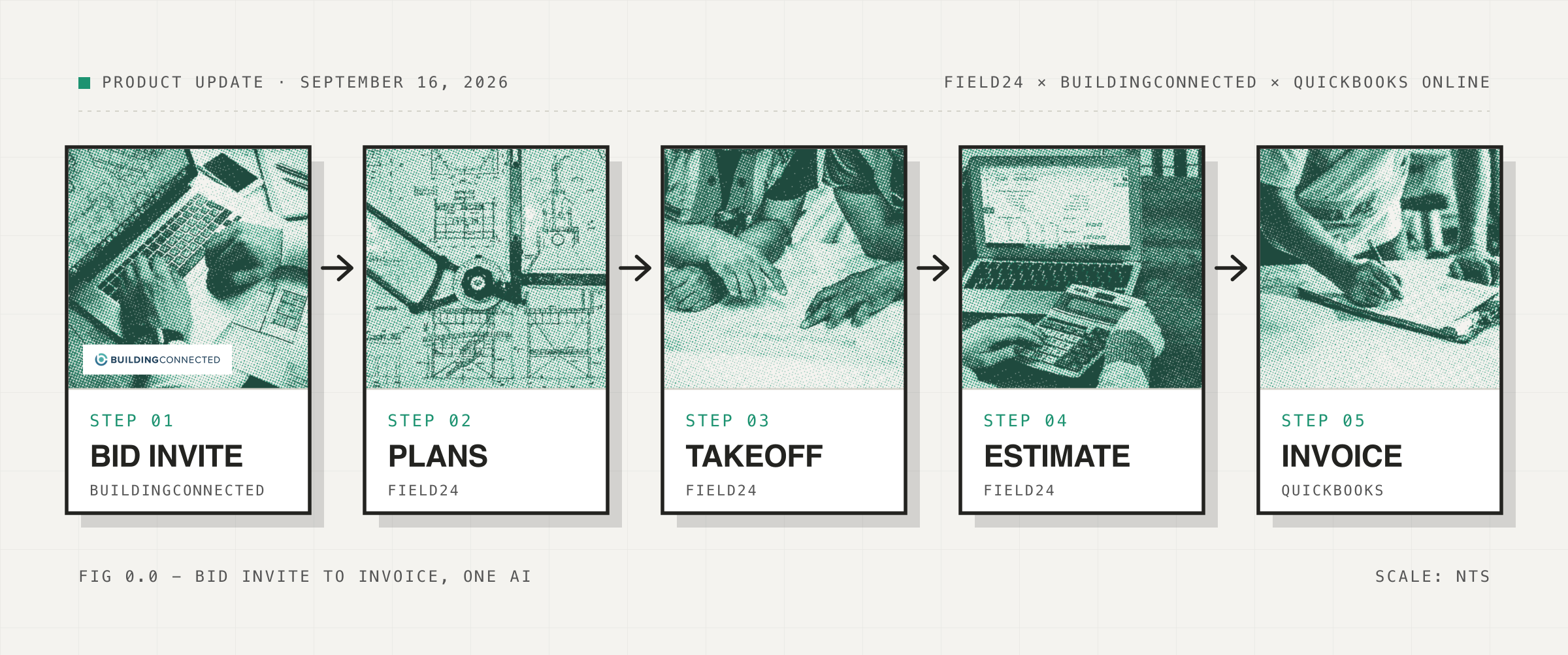
Field24 can now connect directly to QuickBooks Online, and can connect to an existing BuildingConnected account or help you create a new one so you can win more projects.
You will no longer need to download plans and upload them again.
This is the first purpose-built AI agent that connects to bidding platforms like BuildingConnected to automate the process of bidding on more projects. That means your AI can go from a new bid invite in a bidding platform, to downloading the plans, to building the takeoff and estimate, to sending that estimate through QuickBooks, all by itself.
By bidding on more projects through BuildingConnected with Field24, you can increase the number of projects you win.
| Source | Bids per month | Win rate | Projects won |
|---|---|---|---|
| Referrals | 6 | 50% | 3 |
| BuildingConnected | 10 | 20% | 2 |
| Total | 16 | 5 |
01 - Why connect them
Most commercial estimates start somewhere other than your estimating software.
A GC sends an invite through BuildingConnected. You open the opportunity, log in, download the plans, save them somewhere, upload them into your estimating software, and then start working.
If you win the job, the same thing happens again on the accounting side. The estimate gets entered into QuickBooks, converted into an invoice, and tracked against the job.
Each step is simple. Together they create a lot of manual work that AI can now do for you.
02 - What changed
You can now connect your BuildingConnected and QuickBooks accounts directly to Field24.
Once BuildingConnected is connected, you can ask Field24 to open an opportunity and download the plans directly into your project. Send Field24 a BuildingConnected invite or paste the RFP link.
Field24 can then:
- Open the opportunity
- Download the project files
- Add the plans to your Field24 project
- Start the takeoff
- Build your estimate
- Suggest a price for the project
You review the work and decide what gets sent.
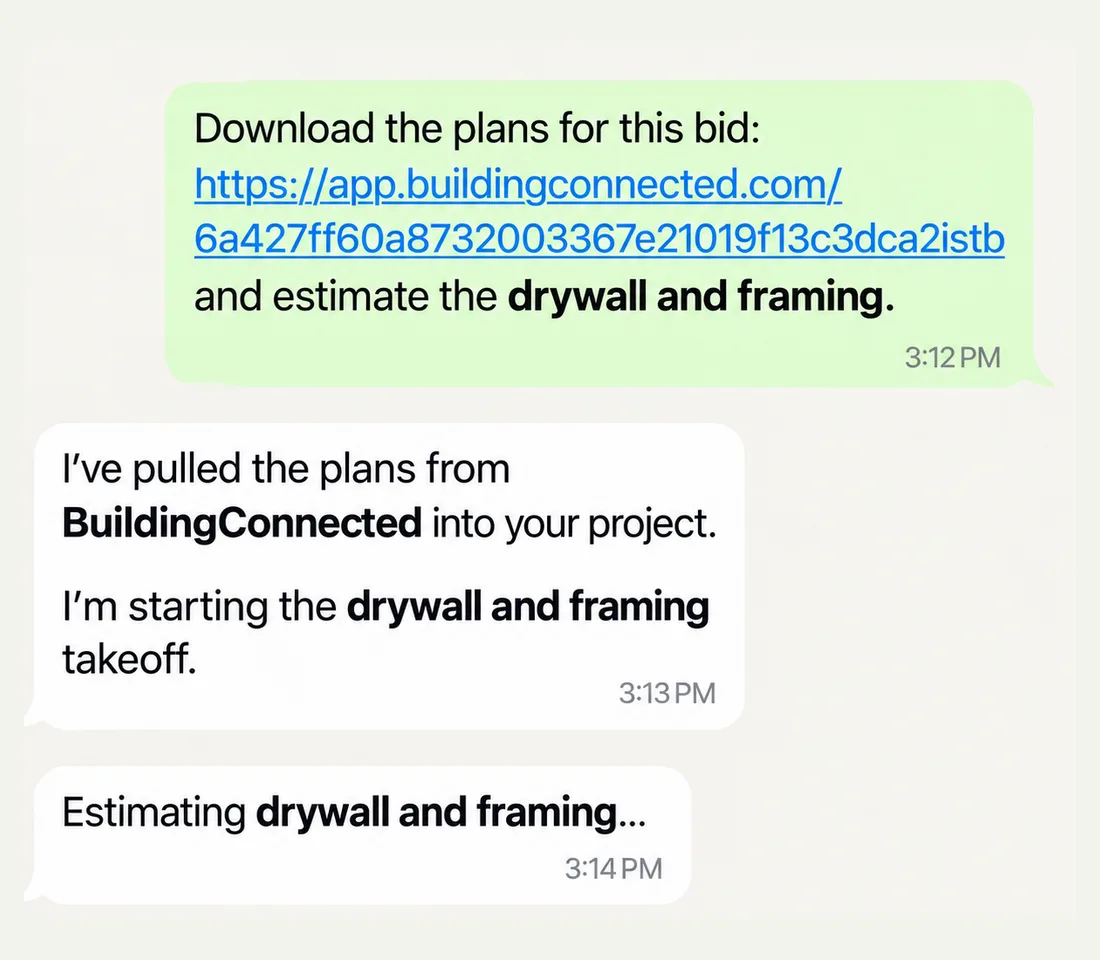
Send Field24 the bid link and tell it what to estimate: “Download the plans for this bid and estimate the drywall and framing.” Field24 pulls the plans into the project and starts the takeoff.
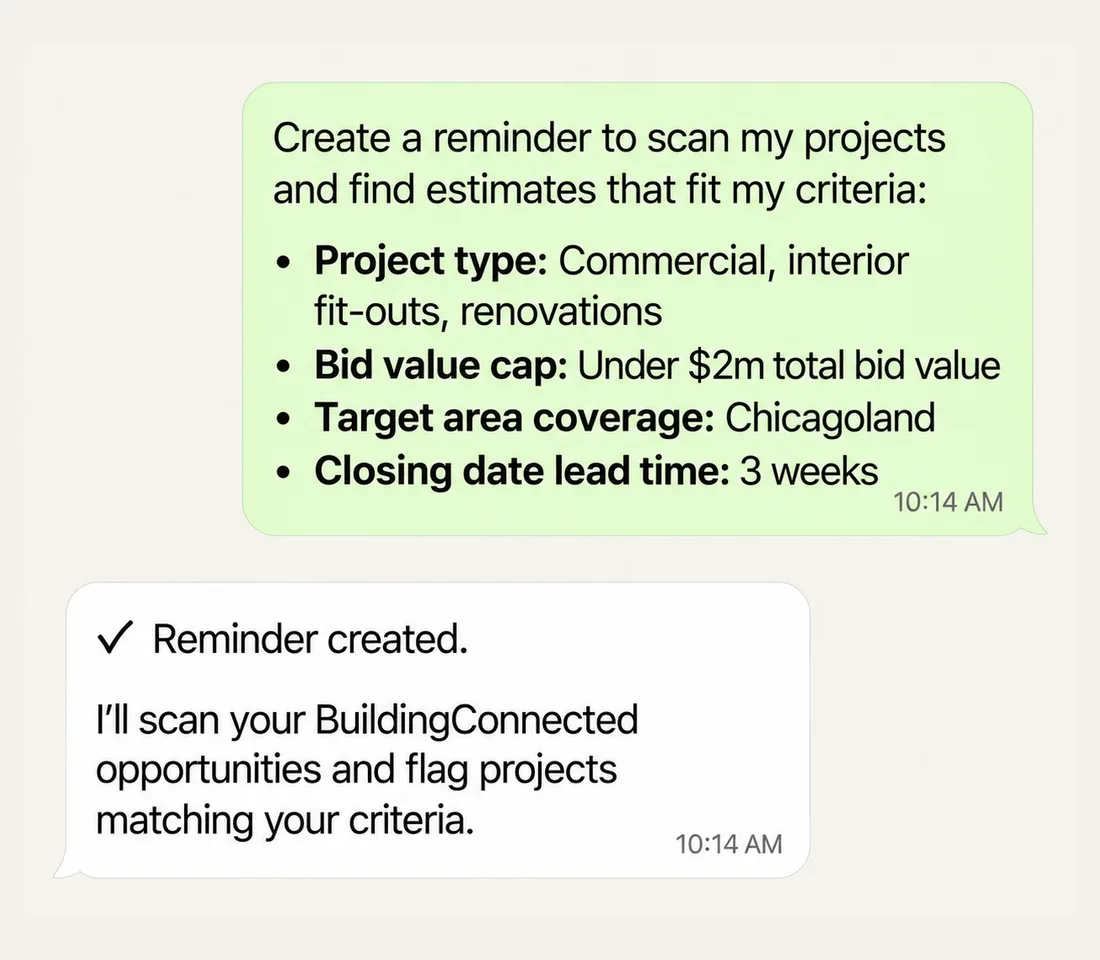
You can also ask Field24 to review your BuildingConnected opportunities on a schedule and flag the projects worth looking at. Give it your criteria once: project type, a bid value cap, the area you cover, and how much lead time you need before the closing date.
03 - From estimate to QuickBooks
When the estimate is ready, connect QuickBooks Online and keep going from the same conversation.
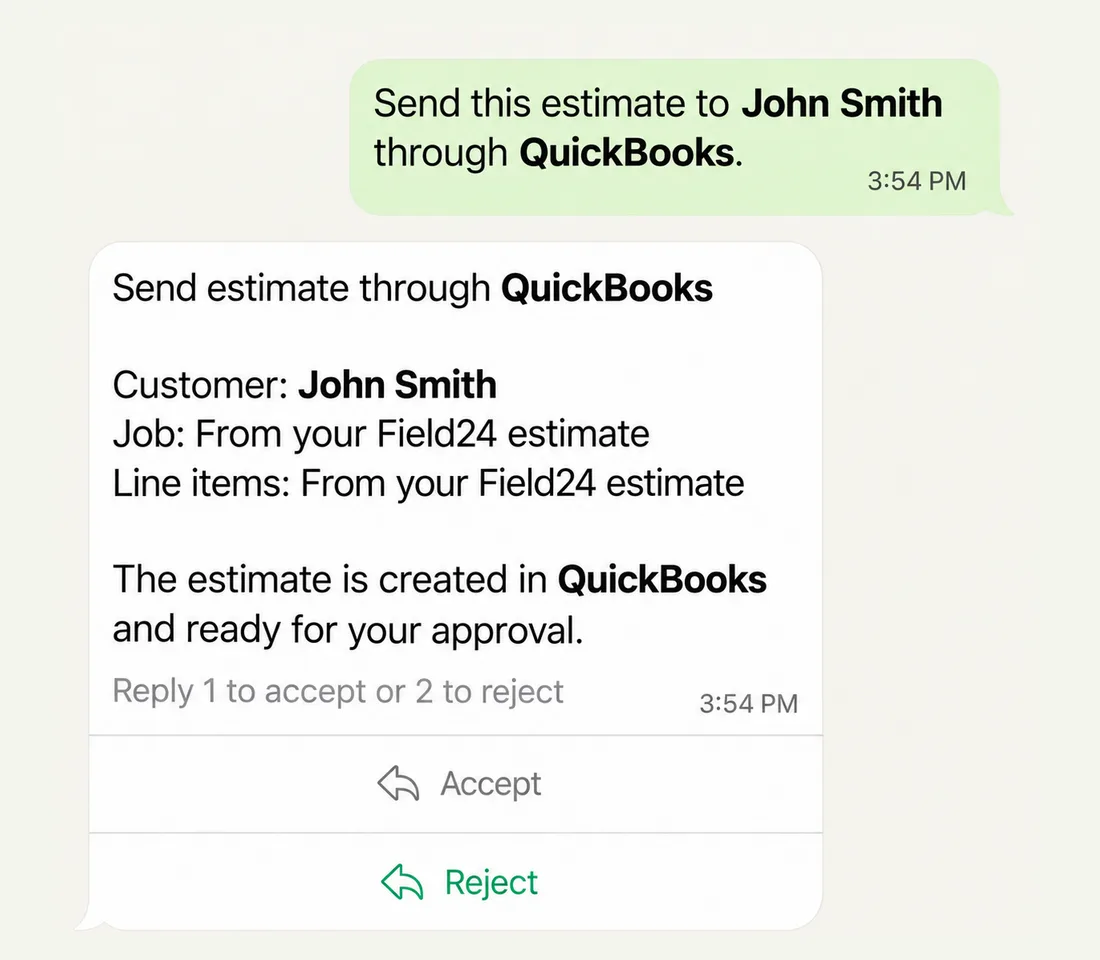
Tell Field24: “Send this estimate to John Smith through QuickBooks.” It creates the estimate in your QuickBooks company with the customer, job and line items from your Field24 estimate, and shares the details for you to review and approve before anything goes out.
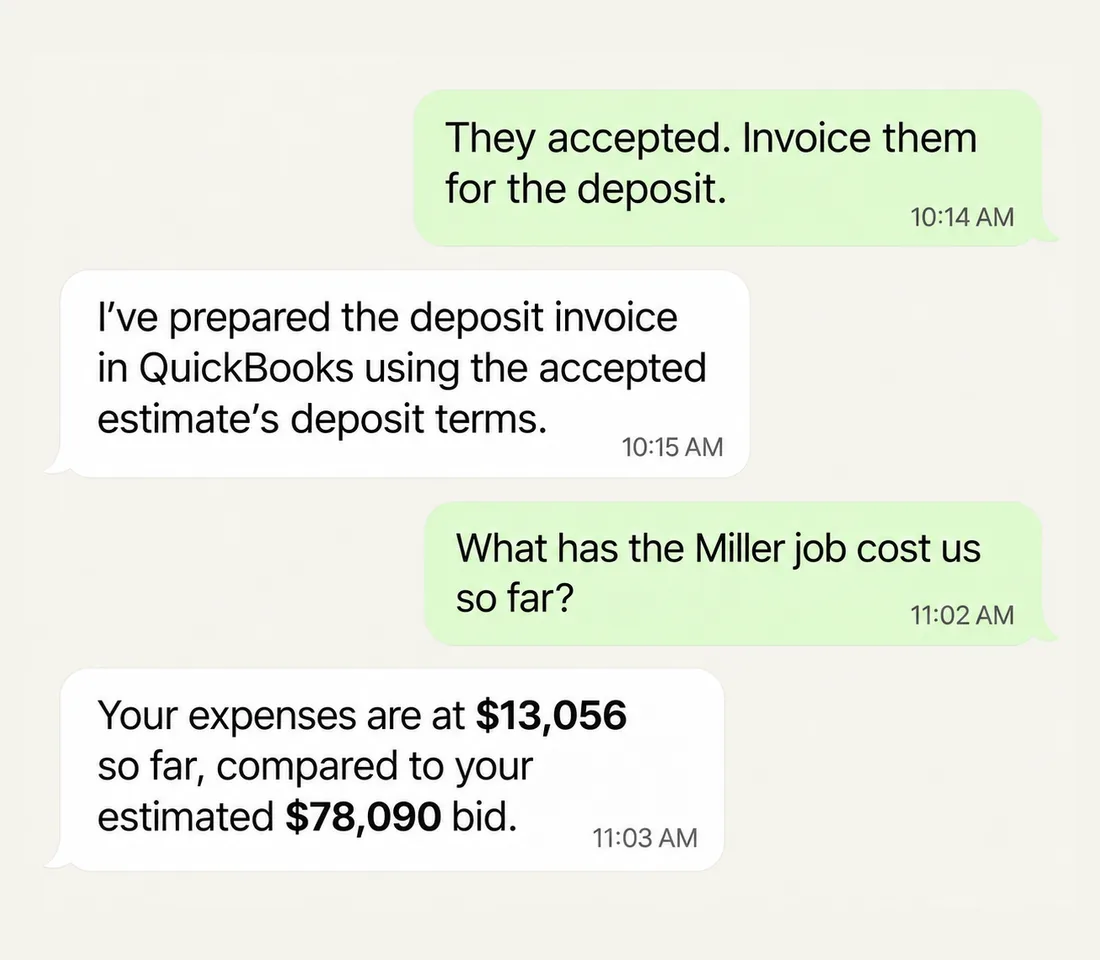
If you win the project, tell it: “They accepted. Invoice them for the deposit.” Field24 can turn the estimate into an invoice and keep the project connected to the financial side of the job.
You can also ask: “What has the Miller job cost us so far?” Field24 pulls the actual job costs from QuickBooks so you can compare what you estimated against what the project is actually costing, which will improve your future estimates.
04 - One AI from bid to invoice
Construction software has always required moving information from one system to another. Your AI will now do that work instead.
BuildingConnected is where many commercial opportunities start. Field24 is where the plans become a takeoff and estimate. QuickBooks is where many contractors send estimates, invoice customers and track the financial side of the job.
Now they can work together.
If there is another bidding platform, accounting system or construction tool you want Field24 to connect to, tell our founder.
05 - Notice to proceed
If you have already signed up, log in to your dashboard and ask Field24 to connect your BuildingConnected or QuickBooks account. It will walk you through the login, or help you create a BuildingConnected account if you do not have one yet.